M5 Ultra vs. M5 Pro vs. M6 for local AI
Apple just announced its first 2nm chip in an $899 box, a quad-die monster with 512GB of unified memory, and an M5 Pro Mac mini sitting between them. Which one belongs in your local AI stack?
The answer depends on one number most spec sheets bury. Read on for the math.
The new era of Apple silicon AI
Apple does not usually give AI engineers two interesting decisions in the same product cycle. This time it introduced the M6 and the M5 Ultra together. The M6 brings Apple's first 2nm process to the Mac mini, the cheapest box in the lineup. The M5 Ultra brings the first quad-die M-series chip to the Mac Studio, with a memory ceiling that used to require a server rack.
So every engineer building local AI infrastructure now faces the same fork in the road: build a swarm of cheap M6 Mac minis and distribute the work, buy a single high-bandwidth M5 Ultra Mac Studio and keep everything in one memory pool, or split the difference with an M5 Pro Mac mini that runs one serious model on one desk.
I run a rack of Mac minis in production, so I have real affection for the swarm. But affection is not a benchmark. Let's work the problem.
Spec showdown: the AI-centric hardware matrix
Ignore the consumer metrics. Gaming frame rates and video export times tell you nothing about how a chip serves a language model. For local LLM work, three things decide your experience: how much memory the chip can address, how fast it can read that memory, and how quickly it can chew through a long prompt. Here is how the three chips compare on the specs that actually matter.
| Spec | M6 Mac mini | M5 Pro Mac mini | M5 Ultra Mac Studio |
|---|---|---|---|
| Process | 2nm, Apple's first | 3nm-class | 3nm-class, quad-die |
| Package | Single die | Single SoC | Four dies joined by UltraFusion, a first for the M series |
| CPU | 12 cores: 2 super, 4 performance, 6 efficiency | Up to 18 cores | Up to 36 cores: 12 super, 24 performance |
| GPU | 12 cores, each with a Neural Accelerator | Up to 20 cores, each with a Neural Accelerator | Up to 80 cores, each with a Neural Accelerator |
| Neural Engine | Dual 16-core, up to 2x peak compute over prior generations | 16-core | 32-core |
| Peak AI compute uplift | Up to 30% over M5 | Up to 4x over M4 Pro | Up to 4.5x over M3 Ultra |
| Unified memory ceiling | 32GB | 64GB | 512GB |
| Memory bandwidth | Up to 170GB/s, about 10% over M5 | Up to 307GB/s | 1.2TB/s, about 50% over M3 Ultra |
| Starting price | $899 | $1,699 | $5,499 |
| Availability | September 22, 2026 | September 22, 2026 | September 22, 2026, but 512GB not until late October |
| Role in a local AI stack | Entry-level swarm node | Single-box workhorse for one mid-size model | Single-machine workstation for frontier-scale models |
M6: the 2nm swarm node
The M6 is not trying to run a 400-billion parameter model, and it shouldn't apologize for that. What it is trying to be, and what it succeeds at being, is the best cheap node ever made for distributed inference. The 2nm process buys efficiency, the Dual 16-core Neural Engine buys concurrent small-model throughput, and 32GB of unified memory at 170GB/s is enough to serve a mid-sized open-weight model per node. If your plan involves Exo or llama.cpp RPC across a rack, this is the box you buy five of.
M5 Pro: the one-box workhorse
The M5 Pro is the middle path, and for a lot of teams it is the honest answer. In the 2026 Mac mini it pairs up to 64GB of unified memory with 307GB/s of bandwidth, which runs a 27B class model with real headroom and squeezes a 70B model at 4-bit quantization with a short context. One developer, one desk, one serious model: that is the M5 Pro's territory, and the LLM speed calculator will show you exactly where its 64GB ceiling starts to pinch.
M5 Ultra: the quad-die monolith
The M5 Ultra is Apple's first quad-die system-on-chip, four dies fused into one address space by UltraFusion. The headline for AI work is the memory system: up to 512GB of unified memory at 1.2TB/s. That is enough capacity to load a model in the hundreds of billions of parameters entirely locally, and enough bandwidth to generate tokens at a pace that feels like a hosted service. This is the machine you buy when the job used to require an enterprise GPU workstation and a procurement committee.
What the silicon changes mean for AI developers
Spec tables are nice, but the interesting question is what these numbers do to your workload. Three architectural changes matter here, and they map cleanly onto the three phases of serving a language model.
GPU neural accelerators and prompt processing
All three chips embed a Neural Accelerator inside each GPU core. That placement is the whole story. The Neural Engine has always been fast, but it lives on the far side of the chip from where LLM inference actually runs. Putting dedicated matrix-multiply hardware inside the GPU cores means the acceleration lands exactly where frameworks like MLX and llama.cpp already do their math.
Apple's numbers: up to a 30% peak AI compute increase on the M6 over the M5, and up to 4.5x on the M5 Ultra over the M3 Ultra it replaces. The Ultra's multiplier is bigger because it compounds two effects, more GPU cores and an accelerator inside every one of them. The M5 Pro carries the same per-core accelerators the rest of the M5 generation introduced, scaled to its 20 GPU cores.
Where you feel this is prompt processing, the prefill phase. Before a model writes its first token, the GPU has to process every token already in the context window, and that pass is compute-bound. Agentic workflows re-read a large context on every single turn, so prefill speed is the difference between an agent that feels responsive and one you alt-tab away from. The Neural Accelerators attack exactly that bottleneck.
The memory bandwidth gap: 170GB/s vs. 1.2TB/s
Prefill is compute-bound. Generation is not. Once the model starts writing, every new token requires streaming the active weights back out of memory, so tokens per second is capped by memory bandwidth divided by the size of the weights being read. This is the math I wish every spec sheet led with, because it turns a marketing number into a speed you can feel.
Take Qwen3.8-27B, the model this series recommends for local agentic coding. The default 4-bit quant is 18GB of weights. Divide each chip's bandwidth by 18GB and you get the theoretical ceiling on generation speed:
| Chip | Bandwidth | Theoretical Ceiling | Realistic Range |
|---|---|---|---|
| M6 | 170 GB/s | 170 ÷ 18 ≈ 9.4 tokens/s | Roughly 6 to 8 tokens/s |
| M5 Pro | 307 GB/s | 307 ÷ 18 ≈ 17 tokens/s | Roughly 10 to 14 tokens/s |
| M5 Ultra | 1,200 GB/s | 1,200 ÷ 18 ≈ 67 tokens/s | Roughly 40 to 55 tokens/s |
Realistic ranges assume the 60 to 80 percent of theoretical bandwidth that inference runtimes typically sustain. Longer contexts pull the numbers down further on both chips.
Read that table twice, because it settles the single-machine question. Six tokens per second is a model you wait on. Twelve is a model you can work beside. Fifty is a model that keeps up with you. Same weights, same quant, same software. The only difference is how fast memory can feed the GPU, and the M5 Ultra feeds it four times faster than the M5 Pro and seven times faster than the M6.
Also worth noting: 1.2TB/s is roughly 50% more than the M3 Ultra's 819GB/s, which was the previous top of the Apple silicon bandwidth table. The Ultra tier skipped the M4 generation entirely, so this release is two generations of pent-up bandwidth arriving at once.
Not sure which side of the table you're on?
Want to know exactly which hardware your team needs to run local agentic workflows? I consult with enterprise teams on local AI architecture, from sizing the machines to hardening the deployment.
The M6's dual Neural Engine
The M6 is the first Apple chip to ship two 16-core Neural Engines, and Apple says system frameworks can drive both simultaneously for up to twice the peak compute of previous generations. The GPU still owns heavyweight LLM inference, so don't read this as a second lane for your 27B model.
Where it gets interesting is agentic plumbing. A working agent stack is never just one model. It is embeddings for vector search, a small classifier routing requests, Whisper transcribing audio, and a vision model reading screenshots, all running beside the main event. Those small concurrent tasks are exactly what a doubled Neural Engine absorbs, keeping the GPU free for the model that needs it. For the always-on appliance pattern from the agent hosting guide, that is a genuinely better node, not just a faster one.
Super cores, performance cores, and efficiency cores
Apple's CPU designs now come in three tiers, and this generation is the first where all three show up in the same buying decision. Super cores are Apple's newest and largest core type, built to win single-threaded work outright. Performance cores carry demanding multithreaded workloads at better power efficiency than a super core would. Efficiency cores absorb background tasks for a fraction of the energy. The M6 is the first base-tier chip to receive super cores, pairing 2 of them with 4 performance cores and 6 efficiency cores, which is how an $899 Mac mini ends up with what Apple calls the world's fastest single-threaded CPU performance.
The M5 Ultra takes the opposite shape. Its 36-core CPU is 12 super cores and 24 performance cores with no efficiency cores at all, which tells you exactly what kind of machine it is: one that is always plugged in and always expected to be working. The M5 Pro sits between them with up to 18 CPU cores, enough parallel headroom to keep an inference server, a vector database, and a build pipeline running on one box.
Be clear-eyed about what CPU cores do for local AI, though. Token generation lives on the GPU and is fed by memory bandwidth, so no core count rescues a bandwidth-starved chip. Where the CPU tiers matter is everything wrapped around the model: tokenization, the sampling loop, and the orchestration code that runs between agent turns all ride the super cores' single-threaded speed, while efficiency cores are what let an always-on M6 appliance idle at single-digit watts between jobs. Fast plumbing does not make a slow model fast, but slow plumbing can make a fast model feel worse than it is.
The purchasing decision: one machine or a swarm?
Now the fork in the road. All three paths are legitimate, and I have built the swarm side of this in production, so none of the answers here are theoretical. The right one depends on whether your workload is one big model, one mid-size model, or many small ones.
Price, availability, and the one date that matters
Apple opened pre-orders on all of these on August 25, 2026, and they ship on September 22. The M6 Mac mini starts at $899, the M5 Pro Mac mini at $1,699, and the Mac Studio with M5 Ultra at $5,499. There is also a Mac Studio with M5 Max at $2,499 that tops out at 128GB, which deserves a look if you want Studio bandwidth without Ultra money.
Then there is the catch, and it is the only scheduling detail in this guide that should change what you actually do. The 512GB configuration is not shipping on September 22. Apple has it arriving in late October.
So if that 512GB pool is the whole reason you want the Ultra, and it should be if you are planning to hold a 400B-parameter model in memory, ordering on day one buys you an earlier place in line and nothing else. If your work fits in a smaller configuration, order now and be running in September.
Scenario A: the M5 Ultra Mac Studio route
Buy the Studio if your workload is a single large model that needs to be fast. Zero network latency, plug-and-play setup measured in minutes, and one 512GB pool of 1.2TB/s memory that can hold a 400B-plus parameter model with room left over for a serious context window.
The use cases that justify it: complex agentic simulations, high-resolution RAG over large private corpora, and fine-tuning frontier-scale open models on-device, where the data never leaves a machine you own. If your compliance posture requires that last property, the Studio is not a luxury. It is the architecture.
Scenario B: the single M5 Pro Mac mini route
Buy one M5 Pro Mac mini if one mid-size model serves the whole job. A 27B class coding model at 10 to 14 tokens per second on a 64GB machine covers a single developer's local agentic workflow, a team's private RAG service, or an always-on appliance that does one thing well. It is also the configuration to start with when you are not yet sure the workload justifies Ultra money: the box keeps its value as a swarm node or a build machine if you outgrow it.
Scenario C: the M6 Mac mini cluster route
Buy the swarm if you scale horizontally, you are budget-constrained, or your team is experimenting with distributed inference frameworks like Exo or llama.cpp RPC. Five nodes also means five independent failure domains, which is not nothing when the cluster runs production workloads around the clock.
Here is the honest math. Five 32GB M6 Mac minis land at roughly $5,000 on Apple's current pricing, and pool 160GB of total RAM. A base M5 Ultra Mac Studio starts at $5,499, so at the entry configuration the swarm and the Studio cost about the same. Push the Studio to 512GB and it climbs well past the swarm, while a single M5 Pro Mac mini at $1,699 costs a fraction of either. The swarm looks great on dollars per gigabyte, until you remember the gigabytes are in five different boxes. To put any of these against what you currently pay a cloud provider, the M4 cluster write-up walks through the cloud spend it replaced and what the hardware cost to run.
| Factor | 5x M6 Mac mini, 32GB Each | 1x M5 Ultra Mac Studio, 512GB |
|---|---|---|
| Approximate cost | About $5,000 | From $5,499 at base memory, well past the swarm at 512GB |
| Total memory | 160GB, split across 5 nodes | 512GB, one unified pool |
| Bandwidth to weights | 170GB/s per node | 1.2TB/s |
| Interconnect | Thunderbolt or 10Gb Ethernet, paid on every token | UltraFusion, on-package |
| Largest single model | Bounded by what layer-splitting and the network tolerate | 400B-plus parameters, entirely in memory |
| Many small independent models | Excellent, one or two per node | Fine, but one GPU is a single queue |
| Failure domains | Five | One |
The trap to avoid is treating pooled RAM as if it were unified RAM. When Exo or llama.cpp RPC splits a model's layers across five machines, every generated token has to cross the network between layer groups before the next one can start. Even fast Thunderbolt networking is orders of magnitude slower than memory, so the swarm's 160GB behaves nothing like 160GB in one box. The M5 Ultra's memory is one pool with no hop at all.
Where the swarm genuinely wins is the workload it was born for: many independent small models. Whisper on two nodes, embeddings on another, a mid-sized chat model on the rest. That is the pattern our production cluster runs, it is what the setup guide builds, and the M6 is the best node yet made for it.
Developer tools and frameworks
New silicon only matters if software can reach it, and this generation the software kept pace. Apple's frameworks, Core ML and Metal among them, have been updated to tap directly into the M6's Dual 16-core Neural Engine and the GPU Neural Accelerators on both chips. Higher-level runtimes inherit the gains: MLX picks up the accelerators through Metal, so tools like Ollama and llama.cpp benefit without you rewriting anything.
One more shift worth flagging for agent builders: developers can now run Apple Foundation Models and App Intents alongside proprietary models on-device. That means the system's built-in model handles the routine intent parsing and summarization while your own open-weight model does the heavy lifting, both on the same box, neither touching a cloud.
Frequently asked questions
Is the M5 Ultra, the M5 Pro, or the M6 better for running local LLMs?
For a single machine, the M5 Ultra wins decisively. Token generation is bound by memory bandwidth, and the M5 Ultra's 1.2TB/s is roughly four times the M5 Pro's 307GB/s and seven times the M6's 170GB/s. It also holds up to 512GB of unified memory, enough to load models in the hundreds of billions of parameters entirely locally. The M5 Pro Mac mini is the value pick for running one mid-size model well on one quiet box, and the M6 wins on cost per node and idle power, which makes it the better building block for a distributed cluster of smaller specialized models.
Can a cluster of M6 Mac minis replace one M5 Ultra Mac Studio?
Not for a single large model. Five 32GB M6 Mac minis pool 160GB of RAM across a network, but distributed inference frameworks like Exo and llama.cpp RPC pay a network latency penalty on every token, and each node still reads weights at only 170GB/s. One M5 Ultra offers 512GB in a single pool at 1.2TB/s with no network hop at all. A swarm shines when the workload is many independent small models rather than one big one.
What are the GPU neural accelerators in the M5 Ultra and M6?
Both chips embed a Neural Accelerator inside each GPU core, dedicated matrix-multiply hardware in the same place the inference math already runs. Apple cites up to a 30 percent peak AI compute increase on the M6 and up to 4.5x on the M5 Ultra versus their predecessors. The practical effect for LLM work is much faster prompt processing, the compute-bound prefill phase that happens before the first token appears.
What are super cores, performance cores, and efficiency cores?
Apple now splits its CPU designs into three tiers. Super cores chase maximum single-threaded speed, performance cores handle demanding multithreaded work at better power efficiency, and efficiency cores absorb background tasks for minimal energy. The M6 is the first base-tier chip to get super cores, pairing 2 super cores with 4 performance and 6 efficiency cores, while the M5 Ultra scales to 12 super cores and 24 performance cores across its four dies. For local LLMs the GPU still does the heavy lifting, but faster single-threaded CPU work speeds up tokenization, sampling, and the orchestration code wrapped around every agent call.
How much unified memory does the M6 Mac mini support?
The M6 Mac mini configures up to 32GB of unified memory at up to 170GB/s of bandwidth. That is enough for models in the 20 to 27 billion parameter range at 4-bit quantization, such as Qwen3.8-27B, with modest context headroom.
When does the M5 Ultra Mac Studio ship, and how much does it cost?
Apple opened pre-orders on August 25, 2026, and the Mac Studio with M5 Ultra ships on September 22, 2026, starting at $5,499. The Mac Studio with M5 Max starts at $2,499 and tops out at 128GB of unified memory. The 512GB M5 Ultra configuration is the exception: Apple has it arriving in late October rather than on the September 22 date, so a buyer who needs the full memory pool cannot get it at launch.
Join the Local AI Group
Scaling localized AI workloads in enterprise and hyper-growth environments requires solving highly complex infrastructure, secure networking, and hardware optimization challenges at scale.
The Local AI Group is the premier global technical network designed exclusively for active senior engineering leaders, including Chief Technology Officers, VPs of Engineering, and Directors of Engineering at Fortune 500 companies and top-tier startups. Our invitation-only space connects leaders scaling production-grade local AI systems. We bypass commercial marketing hype to focus strictly on hardware topologies, private LLM clusters, enterprise security frameworks, and custom sandboxing alongside elite peers operating at the absolute top of the global technology sector.
Roundtable focus areas
- Direct exchange on physical cluster topologies, high-throughput GPU clusters, and enterprise server architecture
- Vetted blueprints for thermodynamic profiles, process orchestration, and private model deployment pipelines
- Hardened boundary defense frameworks for satisfying SOC 2, ISO 27001, and GDPR perimeters with repatriated infrastructure
I vet each application myself to ensure a high-signal environment of peer practitioners.
Apply to Join the Slack GroupSharing confidential or proprietary information is strictly forbidden. Participation is subject to the Terms of Use.
Building a Mac cluster for local AI
This article is part of an in-depth technical series detailing the creation of a localized Apple silicon server cluster for enterprise AI inference, covering Mac mini and Mac Studio hardware, local agent hosting, and agentic coding.
How we built an M4 Mac mini cluster to cut AI cloud spend by $40k/year
The business case and localized architecture that cut enterprise Google Cloud spend by $40,000 annually.
Local AI use cases: local vs. cloud AI architecture
The enterprise decision matrix mapping air-gapped compliance, agentic coding, robotics, batch execution, and offline operations to local Apple silicon or cloud APIs, plus the hybrid local-first framework.
M5 Ultra vs. M5 Pro vs. M6 for local AI
Whether to buy one 512GB M5 Ultra Mac Studio, one M5 Pro Mac mini, or a swarm of 2nm M6 Mac minis, with the memory bandwidth math that decides it.
How to build an M6 or M5 Pro Mac mini cluster
Step-by-step setup guide covering hardware configuration, base macOS setup, secure remote access, process management, and cloud fallbacks.
Run Qwen 3.8 on Apple silicon, without rate limits
Running Qwen3.8-27B locally with Ollama and Zoo Code, plus the Mac mini and Mac Studio memory bandwidth numbers that decide whether local agentic coding is usable.
Best local LLMs for agentic coding on Apple silicon
Qwen 3.8, Qwen3-Coder, Gemma 4, DeepSeek V4 Flash, and GLM-5.3 compared for agentic coding, with the memory math that matches each model to the Mac that runs it.
Local AI agent hosting on M6 and M5 Pro Mac minis
Configuring a secure, low-power private AI appliance for always-on autonomous agent workflows.
Local AI Security: ISO 27001:2022, SOC 2 & GDPR Compliance
Architecting a hardened physical perimeter to satisfy rigorous enterprise ISO 27001:2022 and SOC 2 audits, plus the GDPR case for keeping inference in-house.
MLX vs Ollama on Apple silicon, measured
Fifty-four benchmark runs on the same weights and matched quantization, showing where each engine wins and why the answer changes with the model.
What a fanless Mac sustains under load
Six ten-minute runs on an M5 MacBook Air measuring what throughput actually holds, why a median of three overstates it, and why mains power turned out slower than battery.
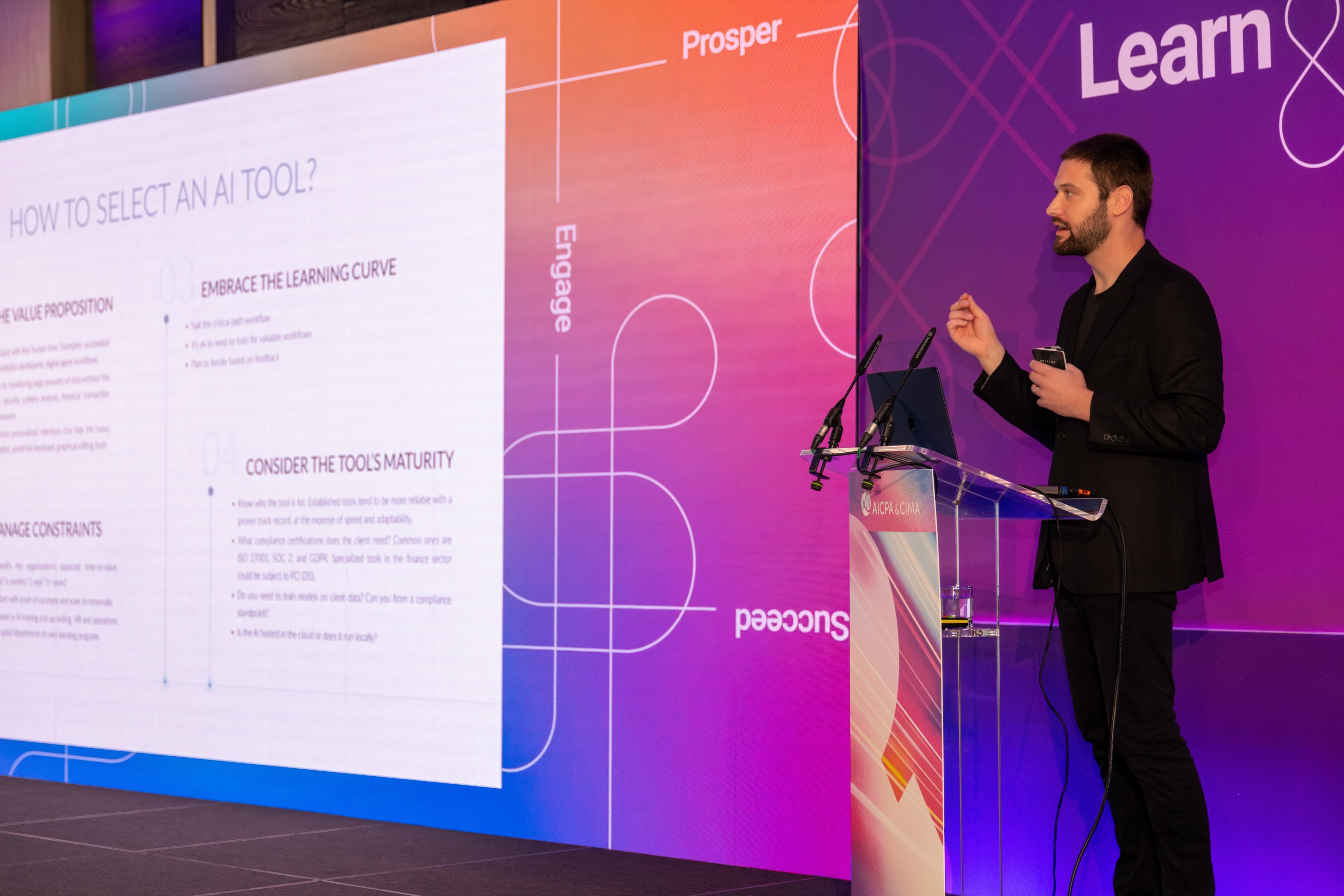
Bring this talk to your team
I speak about zero-cloud AI and on-premise LLM scaling at engineering summits, covering the hardware math, the security model, and the lessons from running Apple silicon in production. For teams that want hands-on depth, the workshop turns this buyer's guide into a working local stack.