Apple silicon local LLM memory and speed calculator
Pick a chip from M1 to M6, a model size, a context length, and a quantization level. Get the unified memory you need, the Mac configuration that fits, and theoretical prefill and generation speeds.
Size your local LLM setup
Every Apple silicon Mac shares one pool of unified memory between the CPU and GPU, so the question of whether a model runs locally comes down to arithmetic: model weights plus KV cache plus runtime overhead, measured against the slice of RAM macOS lets the GPU claim. Generation speed follows memory bandwidth almost linearly. This calculator does that arithmetic for every chip Apple has shipped, from the original M1 to the M5 Ultra and M6.
Results update as you change a selection. Assumptions: FP16 KV cache, 70 percent memory bandwidth efficiency for generation, 25 percent compute efficiency for prefill, and 2 GB of runtime overhead.
Memory Requirements
- Model weights
- 42.8 GB
- KV cache at 16k context
- 5.4 GB
- Runtime overhead
- 2.0 GB
- Required unified memory
- 50.2 GB
Fits on the M4 Max with 128 GB of unified memory. About 96 GB of that is available to the GPU under the default macOS limit.
Theoretical Speed
- Generation speed with a short prompt
- ~8.9 tokens/sec
- Generation speed at the full 16k window
- ~7.9 tokens/sec
- Prompt prefill speed
- ~65.2 tokens/sec
- Time to first token at full context
- ~4.2 minutes
Speeds are theoretical estimates for llama.cpp or MLX class runtimes. M5 family and M6 prefill figures assume the GPU neural accelerators and are directional until independent benchmarks land.
How the math works
Required unified memory
The memory a local model needs is the sum of three parts. The weights take parameter count times bits per weight divided by eight, so a 70B model at Q4_K_M is 70.6 billion times 4.85 bits, or about 42.8 GB. The KV cache grows linearly with context: two tensors per layer, times the number of KV heads, times the head dimension, times two bytes per FP16 value, times your context length. Runtime overhead for the inference engine, compute buffers, and the operating system adds roughly 2 GB more.
macOS does not hand the GPU the whole memory pool. The default working set limit sits near 75 percent of unified memory on higher-memory machines and closer to two thirds on smaller ones, which is why a 47 GB model does not fit on a 48 GB Mac. You can raise the ceiling with a sysctl, at the cost of squeezing the rest of the system:
Generation speed is a bandwidth problem
Generating one token requires reading every active weight from memory once, so the theoretical ceiling is memory bandwidth divided by the size of the active weights. A 70B model at Q4_K_M reads 42.8 GB per token: at the M4 Max's 546 GB/s that caps out near 12.8 tokens per second, and real runtimes deliver about 70 percent of the ceiling. This is why the M5 Ultra's 1.2 TB/s matters more for local LLMs than any GPU core count, and why the calculator also charges the growing KV cache against bandwidth as your context fills up.
Prefill speed is a compute problem
Before the first token appears, the model processes your entire prompt. That phase batches many tokens through the weights at once, so it is limited by raw matrix multiply throughput rather than bandwidth: roughly two floating point operations per active parameter per prompt token. The calculator assumes 25 percent of peak FP16 throughput, which matches what Metal backends achieve in practice. The M5 family changes this equation materially, because its GPU neural accelerators multiply matrices far faster than the M4 generation, cutting the long wait before the first token on big prompts.
Apple silicon memory bandwidth, M1 through M6
Bandwidth figures and memory ceilings are Apple's published specifications. The FP16 column is an estimate from public GPU core counts, and the last column shows the largest model in this calculator that fits the top memory configuration at Q4_K_M with an 8k context. The M5 Ultra pairs 1.2 TB/s with up to 512 GB of unified memory, while the M6 launches as a base chip at 170 GB/s with no Pro, Max, or Ultra variants announced.
| Chip | Memory Bandwidth | Max Unified Memory | FP16 Compute | Largest Model at Q4_K_M |
|---|---|---|---|---|
| M1 | 68 GB/s | 16 GB | 5.2 TFLOPS | 8B |
| M1 Pro | 200 GB/s | 32 GB | 10.4 TFLOPS | 8B |
| M1 Max | 400 GB/s | 64 GB | 21 TFLOPS | 70B |
| M1 Ultra | 800 GB/s | 128 GB | 42 TFLOPS | 70B |
| M2 | 100 GB/s | 24 GB | 7.2 TFLOPS | 8B |
| M2 Pro | 200 GB/s | 32 GB | 13.6 TFLOPS | 8B |
| M2 Max | 400 GB/s | 96 GB | 27.2 TFLOPS | 70B |
| M2 Ultra | 800 GB/s | 192 GB | 54.4 TFLOPS | 70B |
| M3 | 100 GB/s | 24 GB | 8.2 TFLOPS | 8B |
| M3 Pro | 150 GB/s | 36 GB | 12.8 TFLOPS | 32B |
| M3 Max | 400 GB/s | 128 GB | 28.4 TFLOPS | 70B |
| M3 Ultra | 819 GB/s | 512 GB | 56.8 TFLOPS | 235B MoE |
| M4 | 120 GB/s | 32 GB | 9.2 TFLOPS | 8B |
| M4 Pro | 273 GB/s | 64 GB | 18.4 TFLOPS | 70B |
| M4 Max | 546 GB/s | 128 GB | 36.8 TFLOPS | 70B |
| M5 | 153 GB/s | 32 GB | 37 TFLOPS est. | 8B |
| M5 Pro | 307 GB/s | 64 GB | 74 TFLOPS est. | 70B |
| M5 Max | 614 GB/s | 128 GB | 148 TFLOPS est. | 70B |
| M5 Ultra | 1228 GB/s | 512 GB | 296 TFLOPS est. | 235B MoE |
| M6 | 170 GB/s | 32 GB | 45 TFLOPS est. | 8B |
How much RAM each model size needs
The short answer for the most common question: a 70B LLM on a Mac needs a 64 GB machine at minimum, and a 128 GB machine to be comfortable. The table below sizes each model class at Q4_K_M with an 8k context, against the default macOS GPU memory limit. Larger context windows shift these numbers up, which is exactly what the calculator above is for.
| Model | Q4_K_M Weights | Required at 8k Context | Minimum Mac RAM |
|---|---|---|---|
| 8B dense, Llama 3.1 8B or Qwen3 8B class | 4.8 GB | 7.9 GB | 16 GB |
| 32B dense, Qwen3 32B class | 19.9 GB | 24.0 GB | 36 GB |
| 70B dense, Llama 3.3 70B class | 42.8 GB | 47.5 GB | 64 GB |
| 235B MoE, Qwen3-235B-A22B | 142.5 GB | 146.0 GB | 256 GB |
Model architecture details come from the published GGUF releases of each reference model, and the sizes match what llama.cpp reports when it loads them. Bandwidth figures for the newest chips come from Apple's M6 and M5 Ultra announcement.
Frequently asked questions
How much RAM do I need to run a 70B LLM on a Mac?
A 70B dense model at Q4_K_M quantization needs about 42.8 GB for the weights alone, and roughly 47.5 GB once you add an 8k KV cache and runtime overhead. The smallest Apple silicon configuration that hosts it under the default macOS GPU memory limit is 64 GB of unified memory, and it is a tight fit. For 32k context windows or Q8_0 quality, plan on 128 GB.
How many tokens per second does the M5 Ultra generate?
The M5 Ultra moves 1.2 TB/s of unified memory bandwidth, so at a 70 percent efficiency assumption it generates about 20 tokens per second on a 70B dense model at Q4_K_M, and about 64 tokens per second on Qwen3-235B-A22B, because the MoE model only reads 22B active parameters per token.
Can a Mac mini run a 70B model?
Yes, narrowly. A Mac mini with an M4 Pro and 64 GB of unified memory fits a 70B model at Q4_K_M with a short context window, but at 273 GB/s of bandwidth it generates only about 4.5 tokens per second. That is usable for batch jobs and unattended agents, not for interactive chat. For a responsive 70B experience, a Mac Studio with a Max or Ultra class chip is the better host.
What is the difference between Q4_K_M and Q8_0?
Q4_K_M stores weights at about 4.85 bits each and Q8_0 at about 8.5 bits, so Q8_0 roughly doubles the memory footprint and halves the generation speed on the same hardware. Q8_0 is nearly indistinguishable from the FP16 original, while Q4_K_M gives up a small amount of quality that most workloads never notice. Start at Q4_K_M and move up only if you measure a quality problem.
Why does a 235B MoE model run faster than a 70B dense model?
A mixture of experts model stores every expert in memory but activates only a few per token. Qwen3-235B-A22B holds 235B parameters in RAM yet reads just 22B per generated token, so it needs the memory of a giant model but generates at the speed of a 22B model. Memory capacity requirements follow total parameters, and speed follows active parameters.
Put the numbers to work
This calculator exists because I run local models in production. The Mac cluster series covers what happens after you pick the hardware: building an M4 Mac mini cluster that cut our cloud AI spend by $40k per year, the step-by-step cluster setup guide, running local agentic coding on Apple silicon, and hosting always-on private AI agents on a Mac mini.
Join the Local AI Group
Scaling localized AI workloads in enterprise and hyper-growth environments requires solving highly complex infrastructure, secure networking, and hardware optimization challenges at scale.
The Local AI Group is the premier global technical network designed exclusively for active senior engineering leaders, including Chief Technology Officers, VPs of Engineering, and Directors of Engineering at Fortune 500 companies and top-tier startups. Our invitation-only space connects leaders scaling production-grade local AI systems. We bypass commercial marketing hype to focus strictly on hardware topologies, private LLM clusters, enterprise security frameworks, and custom sandboxing alongside elite peers operating at the absolute top of the global technology sector.
Roundtable focus areas
- Direct exchange on physical cluster topologies, high-throughput GPU clusters, and enterprise server architecture
- Vetted blueprints for thermodynamic profiles, process orchestration, and private model deployment pipelines
- Hardened boundary defense frameworks for satisfying SOC 2, ISO 27001, and GDPR perimeters with repatriated infrastructure
I vet each application myself to ensure a high-signal environment of peer practitioners.
Apply to Join the Slack GroupSharing confidential or proprietary information is strictly forbidden. Participation is subject to the Terms of Use.
Planning a Local AI Deployment?
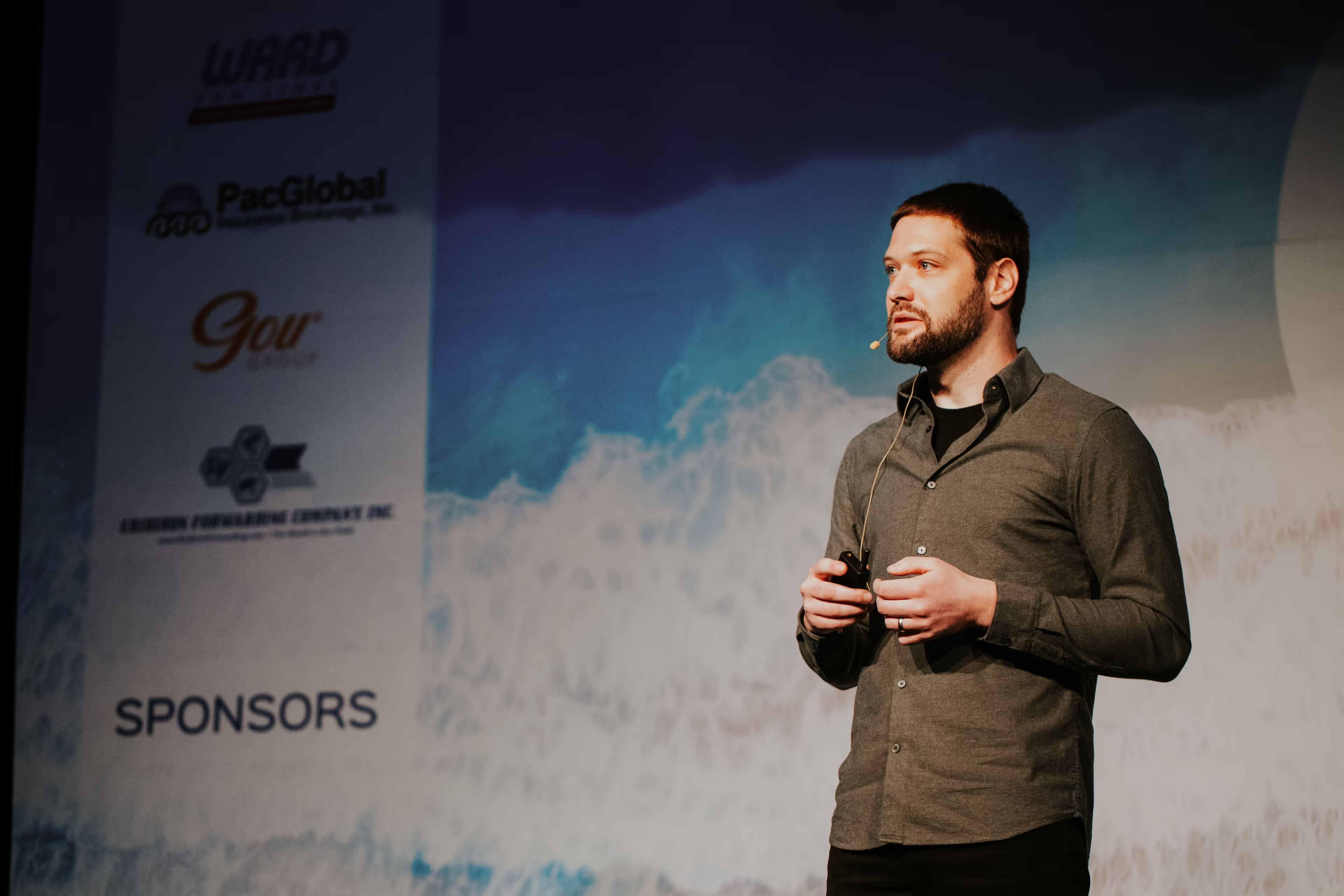
I keynote conferences on the hardware math behind local AI, and my hands-on workshop takes engineering teams from sizing the machines to shipping a private agentic stack.