
For most use cases, writing code by hand stopped making economic sense in 2026.
Software engineering has changed, and it isn't changing back.
2026 is the year agentic development went from impressive to affordable. The models got good enough to plan, write, and verify a change across a real codebase. The cost per task fell far enough that the math stopped being close.
For most industries and most languages, it no longer makes economic sense to write code by hand. An engineer's hour costs what it costs. An agent's hour costs a few dollars of tokens, or a fixed monthly cost on hardware you already own.
The benefit doesn't arrive automatically.
The problem is that none of this happens on its own. Hand your team a coding assistant and you mostly get faster typing. A quarter later the backlog looks the same.
And your situation is harder than the demo. You have a codebase that's ten years old. You have review practices that exist for good reasons. You have customer data that can't leave the building, an auditor who will ask how any of this is controlled, and deadlines that aren't moving to make room for a transformation project.
So, what do you do?
You stop treating AI as a tool your engineers pick up, and start treating your development lifecycle as a factory that agents run.
An agentic software factory is your development lifecycle rebuilt so agents do the implementation and your engineers do the planning and the review. It stands on three pillars: skills that encode how your team works, guardrails that decide what an agent can touch, and workflows that point the whole thing at real business problems.
You don't build it from scratch. You convert the processes you already have, one at a time. The rest of this paper is how.
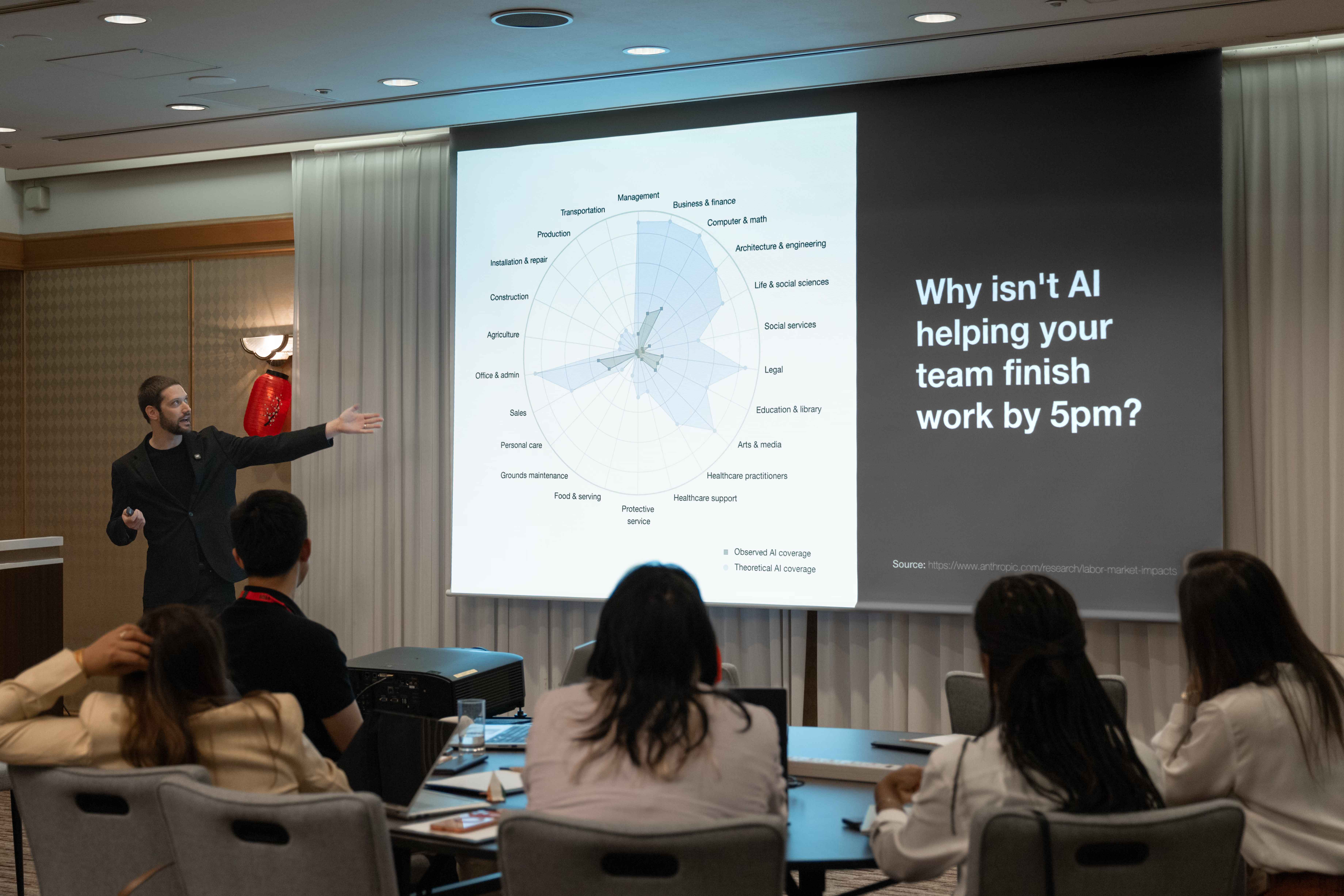
Convert one process you already run
The fastest way in is a process your team already repeats every week. Triaging a bug report. Running the release test pass. Adding an API endpoint. Pick one that's frequent, a little tedious, and has a clear definition of done.
Then convert it in five steps.
-
01
Write down how your best engineer does it
Sit with the person who does the job best and write the procedure down, including the mistakes they've learned to avoid. That document is the first draft of a skill.
-
02
Move the repeatable steps into scripts
Anything that should come out the same every time, like fetching the tickets or running the test plans, becomes a script the skill calls. The agent's judgment goes where judgment is needed.
-
03
Make done checkable
A test passes. A log line appears. The screenshot shows the fixed screen. If the agent can't check it, it can't know it's finished, and neither can you.
-
04
Run it with a person watching
Watch the first dozen runs. When the agent goes wrong, fix the skill, not the output. Every correction you write into the instructions is one you never have to make again.
-
05
Widen the permissions once it's boring
When a run stops surprising anyone, let it run with less supervision. Then pick the next process.
Write down how your team works, so agents follow it
Agents follow what's written down and ignore what's tribal knowledge. The conventions your senior engineers carry in their heads have to become files in the repo.
That means an AGENTS.md at the root that says what the product is and where things live. Rules that say how code gets written here. And skills that say how recurring jobs get done. It's easier to show than describe.
None of this ties you to one vendor. Codex, Cursor, and Antigravity read AGENTS.md directly, and Claude reads it through a one-line CLAUDE.md that imports it. The same files work whichever tool your team picks, and they keep working when you switch.
An agent-ready repo carries its own instructions
Here's the anatomy of one. Scroll through and each part of the tree lights up as I explain what it does.
- acme-app/
- AGENTS.md
- CLAUDE.md
- .claude/
- settings.json
- rules/
- 01-architecture.md
- 02-configuration.md
- 03-data-and-sync.md
- 04-logging.md
- 05-testing.md
- skills/
- new-module/
- SKILL.md
- fix-support-tickets/
- SKILL.md
- scripts/
- fetch-tickets.py
- run-prerelease-tests/
- SKILL.md
- scripts/
- run.py
- report/
- port-upstream/
- SKILL.md
- last-ported-commit
- src/
- billing/
- AGENTS.md
- tests/
- unit/
- e2e/
- scripts/
- .github/workflows/
-
01 acme-app/
Four additions make a repo agent-ready
Your agents read the same repo your engineers do. What changes is that the repo starts explaining itself.
Four things get added: an AGENTS.md at the root, a folder of rules, a folder of skills, and a settings file. Everything else is the code you already have. This layout is modeled on the repo behind Yembo Onsite Next, with the product stripped out so the shape carries to your stack.
-
02 AGENTS.md
AGENTS.md is the front door
Every session starts by reading it. It says what the product is, where things live, and which rule covers what.
Keep it short. It's an index, and the detail belongs in the rules.
Codex, Cursor, and Antigravity read AGENTS.md on their own. Claude reads CLAUDE.md, so a one-line CLAUDE.md that imports AGENTS.md puts every tool on the same page.
# Acme Field App

Native app for field technicians. Jobs
happen in basements and parking garages,
so offline is the normal case (§3).

## The rules

One numbered file per topic in
.claude/rules/, loaded when you touch
matching code. Cite a rule by number,
like §3.2, in reviews and comments.

§1  architecture   layers, navigation
§3  data and sync  persist first
§5  testing        proving a change
-
03 src/billing/AGENTS.md
A folder can carry its own guide
When one part of your codebase has its own vocabulary, its own API, or its own traps, give it its own AGENTS.md.
The agent picks it up when it starts working in that folder, and nowhere else.
# Billing (src/billing/)

Talks to the payments API, not the
main one. Types here carry a Billing
prefix so names never collide with
the rest of the app.

Money is integer cents. Never a float.
-
04 .claude/rules/
Rules load only when they're relevant
One numbered file per topic. The paths at the top decide when it loads, so a rule about database writes never clutters a session spent on button styling.
The numbering matters more than it looks. A reviewer can write 'violates §3.1' and the agent knows what to reread.
--- description: §3 Persist first, sync later. paths: - "src/**/*.ts" - "tests/**/*.ts" --- # 3. Data and sync 3.1 Every edit writes to local storage before anything else. Never debounce the write. 3.2 A sync flag clears only with proof the server has the latest version. -
05 .claude/skills/
A skill is a job your team does more than once
Each skill is a folder with a SKILL.md inside. The description at the top is what the agent reads to decide whether to use it, so it says when as much as what.
The body is the procedure a senior engineer would walk a new hire through, including the mistakes worth avoiding.
---
name: fix-support-tickets
description: Work the support queue.
  Read the next open ticket with its
  screenshots, find the root cause,
  fix it, prove it in the running app,
  and reply on the ticket. Use when
  asked to triage or fix support issues.
---

# Fixing support tickets

Fix the screenshot, not the one-line
summary. One ticket per commit.
-
06 .claude/skills/*/scripts/
Skills can carry their own tools
The steps that should come out the same every time go into code. The prerelease skill ships a script that runs every test plan and a small report generator that turns the results into a PDF. The support skill ships a script that downloads the queue with its screenshots attached.
The agent runs the tools and spends its judgment where judgment is needed: reading the evidence, finding the cause, and choosing the fix.
## 1. The one command

python3 .claude/skills/  run-prerelease-tests/scripts/run.py   --out "$SCRATCH"

Runs every test plan and keeps the logs.
Then report/ renders a PDF that someone
can read cold, months later, without the
terminal it came from.

A plan whose cases were all skipped
exits zero. Read the results, never
the exit code.
-
07 port-upstream/last-ported-commit
A skill can remember where it left off
Some jobs run again and again against a moving target. The port-upstream skill keeps a one-line file holding the last commit it ported.
Next run, it starts there, ports everything since, and moves the marker forward. It's in version control, so your whole team sees the same place.
$ cat last-ported-commit
4f2c9e1
-
08 .claude/settings.json
Settings draw the line on what runs without asking
The settings file lists the commands an agent may run on its own: the build, the tests, the linter, read-only queries. Anything outside that list stops and asks a person.
That's your sandbox, written down where it gets reviewed like any other change.
{ "permissions": { "allow": [ "Bash(make build *)", "Bash(make test *)", "Bash(./scripts/lint.sh *)", "Bash(git diff *)" ] } } -
09 tests/ scripts/ .github/
Tests and CI close the loop
None of the above works without a way to check the result. The test plans, the scripts, and the CI workflow are what an agent runs to prove a change before a person reviews it.
They were always worth having. Now they're the difference between an agent that guesses and one that knows.
tests/unit fast, on every change tests/e2e drives the real app and screenshots it scripts/ one command each to build, lint, and run the tests .github/ CI runs those scripts on every push and pull request -
10 .claude/skills/run-prerelease-tests/report/
Proof of work keeps people in charge
An agent saying a change works isn't evidence. So every QA run ends in a release readiness report: each test plan, each case that passed, failed, or was skipped, and a link from every result to its proof. That means the log, the screenshot, or the screen recording.
A person reads the report and decides whether to ship. The agent never makes that call. Months later, the same file answers an auditor: what was tested, what the evidence showed, and who signed off. It proves people are still in control of the release, not just watching it.
Release readiness  v2.14 (build 318)
commit 8f1f5ec  ·  27 Sep 2026

plan          pass  fail  skip
unit          1317     0     0
e2e             41     0     0
performance     15     0     0

E2E-0041  sign in with MFA   passed
  log         artifacts/e2e-0041.log
  screenshot  artifacts/e2e-0041.png
  recording   artifacts/e2e-0041.mp4

Approved to ship by: ______________
One month of retooling turned Yembo Onsite into Onsite Next
That repo is modeled on a real one. Yembo Onsite is the app surveyors use to capture a home's rooms and inventory, online or fully offline. We built it over three years.
Then we spent a month retooling how we build software: the rules, the skills, the sandboxes, and the self-checking loop on this page. When we were done, we launched Onsite Next.
- It uses a tenth of the memory Onsite used under load.
- It runs on phones as well as tablets. Onsite only ran on tablets.
- Half the engineering team went back to the core platform.
What changed was the process around the models, and that's the part you can copy.
Start from the same skeleton
The starter kit is the repo from the tour, ready to copy into yours and fill in.
- An AGENTS.md template and a folder-level guide
- Five numbered rules, scoped to the code they govern
- Ten skills, including the five single-job QA skills and the coordinator that calls them
- A settings file with a starting allowlist
It's yours.
Download the zipI've also emailed you a copy. Start with the README, which says which file to fill in first.
Rather see where you stand first? Score your repo with the free Agent-Ready Codebase Audit.
Design skills that do one job each
The tempting move is one big agent per department. A QA agent. A support agent. It's also the move that fails first. A skill that does everything needs every instruction loaded at once, and when it goes wrong you can't tell which part broke.
Split it instead. Where you'd have built one QA agent, build five skills.
- unit-tester Runs the unit plan and reports each failure with its file and line.
- performance-tester Runs the benchmarks against a budget and flags what got slower.
- e2e-tester Drives the real app through the paths your customers take.
- log-analyzer Cuts a run’s logs down to the lines that explain a failure.
- screenshot-reviewer Looks at the rendered screen and says what's wrong with it.
- qa-pass Calls the five skills beside it and writes up one result.
Each one is small enough to read in a sitting and test on its own. They run in parallel. When a pass fails, you know which skill to fix.
And they get reused. The screenshot reviewer that checks a QA run is the same one your support skill calls to prove a fix landed. Build the pieces once and compose them into as many workflows as you need.
Budget context like memory, because it is
Everything an agent knows about your task has to fit in its context window. Instructions, code, logs, tool output, and its own notes all compete for the same space, and the model's attention gets worse as the window fills. An agent handed a whole log file does worse work than one handed the twenty lines that matter.
So you budget it, in four tiers.
- Always loaded AGENTS.md
- Keep it an index: what the product is, where things live, and which rule covers what.
- Loaded when relevant Rules
- Path globs decide when each one loads. A session spent on styling never sees the database rules.
- Loaded when used Skills
- Only the one-line description sits in context until the agent picks the skill. Then the body loads.
- Never loaded Raw output
- Scripts and subagents read the logs, test results, and big files, and hand back a summary.
Two habits keep the budget healthy. Start a fresh session for each task, so yesterday's dead ends aren't crowding today's work. And when a script's output is long, have the script summarize it before the agent ever sees it.
Give agents the tools to check their own work
An agent that can't see the result of its change is guessing. Give it the same instruments your engineers use: a command to run each test plan, a way to read the logs from the current run, and a way to launch the app, screenshot the screen it just changed, and look at it.
Then let it iterate until the product does what the ticket asked. The loop closes without a person in it, and your engineers review a change that works rather than a first draft.
-
01 Change the code Against the ticket and the rules
-
02 Run the tests Unit, performance, end to end
-
03 Read the logs Filtered to this run
-
04 Look at the screen Screenshot and review it
Not what the ticket asked? Back to step 01, with what it just learned.
It matches? Only now does it go to a person for review.
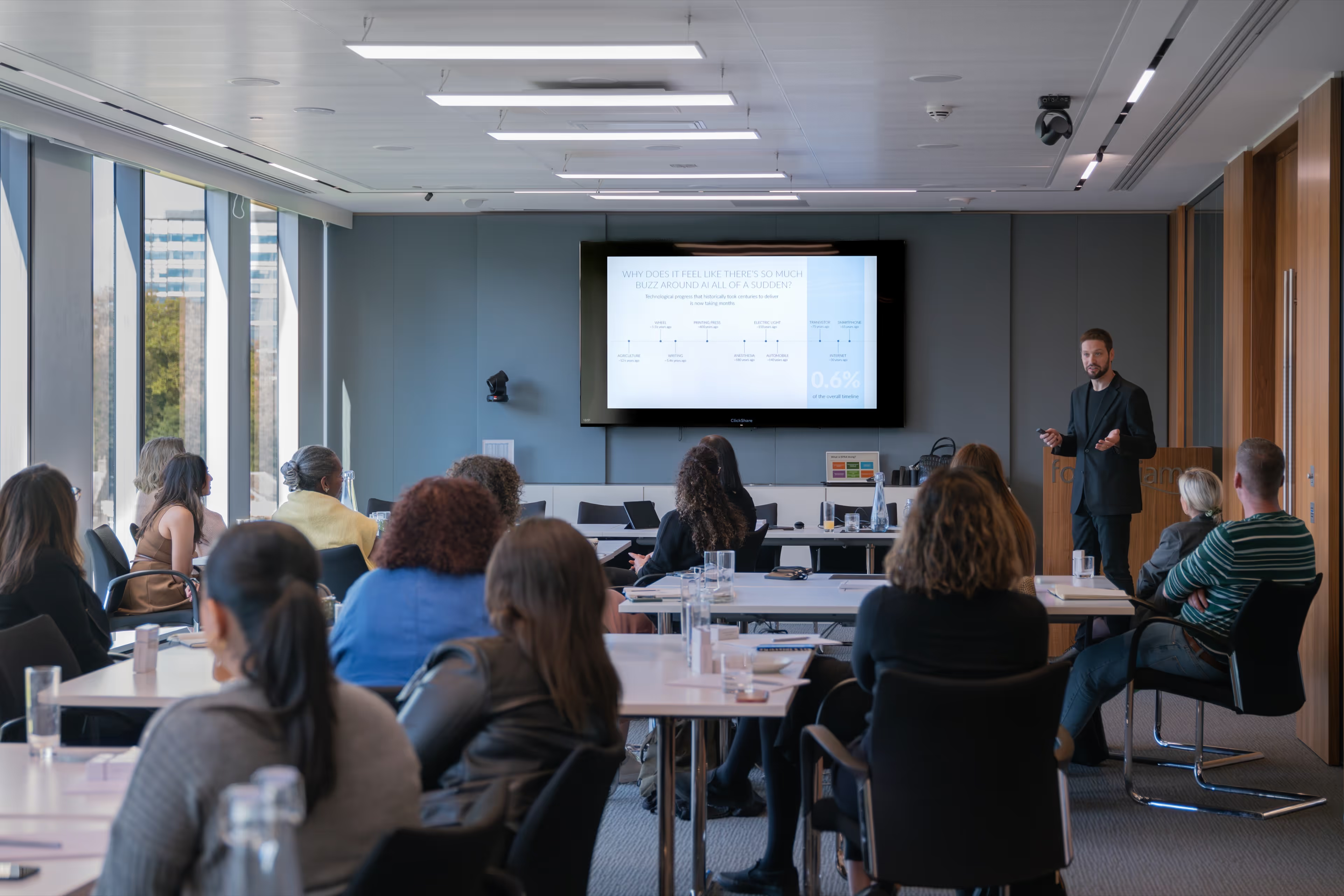
Contain failures before you hand over the keys
Agents make mistakes. It's ok. People make plenty of mistakes too, and your workflows already handle them with code reviews and QA testing. You can handle agent mistakes the same way, by planning for them and engineering the workflow.
Start with deterministic guardrails and isolated sandboxes. Deterministic means the system enforces the boundary, rather than a prompt asking nicely. An agent can only run commands on a pre-approved list, inside an environment that holds no production credentials and no customer PII. Whatever a model hallucinates, your live databases stay out of its reach.
- Every task gets its own branch, and nothing merges without review.
- Agents work against development and staging environments, never production credentials.
- A settings file lists the commands an agent may run on its own. Everything else stops and asks.
- Anything destructive, like deleting data or force-pushing, stays off that list.
A bad run costs you a discarded branch. It never costs you a production database.
Security and privacy start with where your models run
Every agent raises two questions. What can it touch, and who else sees what it touches? The sandbox answers the first. Where the model runs answers the second.
You have two options, and most teams end up using both.
Cloud-hosted models just work, and someone else is paying for most of it
Frontier APIs are heavily subsidized right now. The providers are pricing to win the market, so you get the most capable models for a fraction of what they cost to run. That won't last forever, but for now it's the best deal in software.
Setup is an API key. Everything works out of the box on day one, and it gets better every time the provider ships a new model.
Use it when you want the strongest models with the least setup, and the code and data involved are cleared to leave your network.
Self-hosted models are predictable, and your details stay in the building
Open-weight models on your own hardware cost the same on Tuesday as they did on Monday. No rate limits, no surprise price changes, and no deprecation notice for the model your workflow depends on.
Nothing you send them leaves your network, so you aren't sharing source code, customer data, or your roadmap with a third party. The trade is setup work and models that trail the frontier by a step.
Use it when the data is sensitive, the volume is high enough that per-token billing hurts, or you need the same answer at the same cost every time.
Build your skills and tooling so they run against either one. Then the choice is a configuration setting per workflow rather than a rebuild. Start in the cloud to prove the loop works, then move the sensitive or high-volume work onto your own hardware when the numbers or your auditor say it's time.
Put the compute you already own to work
Your engineers' workstations sit idle every night, and that's compute you've already paid for. An engineer kicks off a long test pass before heading home, checks in from a phone with a tool like Claude Code's Remote Control, and the code never leaves hardware you control. A few Mac minis on a shelf can carry a whole team's background work.
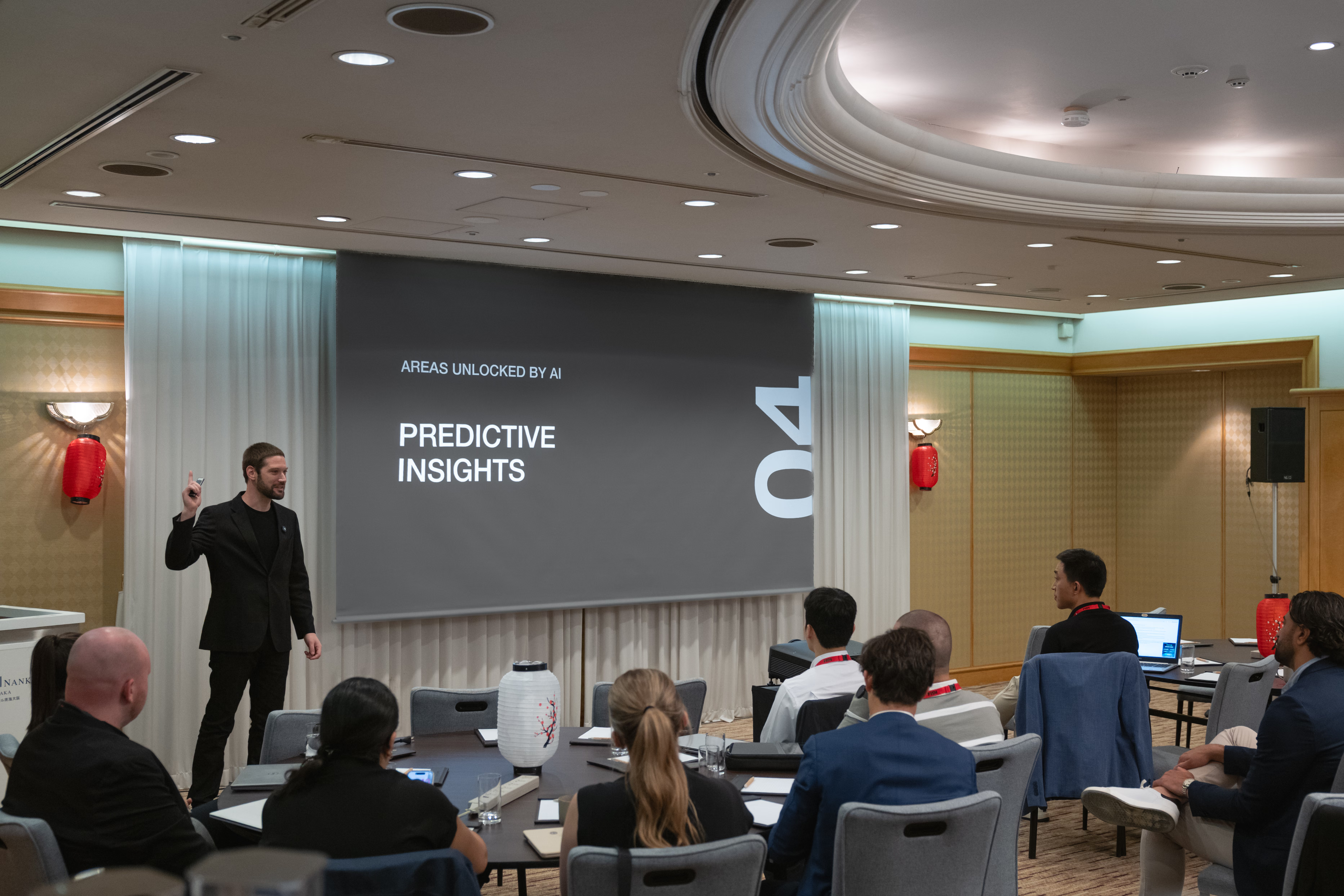
Point the factory at the work between your silos
Once implementation gets cheap, the expensive part of your org is the handoffs. That's where the biggest wins are hiding.
- Support tickets analyzed for root cause, with the fix shipped so the same issue doesn't come back from the field.
- Product feedback and customer signals monitored as they arrive, so what you build lands on what your customers expect.
- QA automated so your app heals itself as changes land, instead of breaking quietly between releases.
Support, product research, QA, and engineering used to be separate silos, because each took a team's worth of labor to run. With that labor collapsed, a single person or a small team can stretch across all four and own the business outcome.
That changes what one engineer's sprint looks like. Backed by an agentic software factory, they stop just clearing tickets. They can own the whole lifecycle of a new customer portal or a regional sales dashboard, from first scope to self-healing QA.
Here's what this methodology has produced so far.
- A previous client had an individual contributor build an entire product and bring in its first dollars of revenue.
- Another client took an idea from zero to one without staffing up a team to build it.
- At Yembo, we retooled in a month and sent half our engineers back to the core platform.
You can do this and still ace your SOC 2 and ISO 27001 audit
Compliance is where most agentic projects stall. Somebody asks where the code goes, who approved the change, and what the agent could touch. Nobody has a good answer.
I took an AI platform through ISO 27001, SOC 2 Type II, GDPR, and NIST 800-171 while continuing to ship, and the lesson is to design for those questions from the start. Your sandboxes are your access controls. Your skills and rules are your documented procedures. Every agent run leaves a record of what it changed and why.
You can check Yembo's certifications for yourself in the Yembo Trust Center.
Your auditor ends up with more evidence than before. If you want to see where you stand today, the 60-Minute Security Audit checklist is a good place to start.
Your engineers move up to planning
None of this is about replacing your people. It's about giving them the part of the job that was always the hardest: deciding what to build, how it should work, and what done looks like.
When agents handle the implementation, that's where your engineers spend their day. It's where your best people should have been all along.
The point is to modernize how you build software, get the most out of your budget, and win in a market where your competitors are making the same move. The ones who move first get to set the pace.


