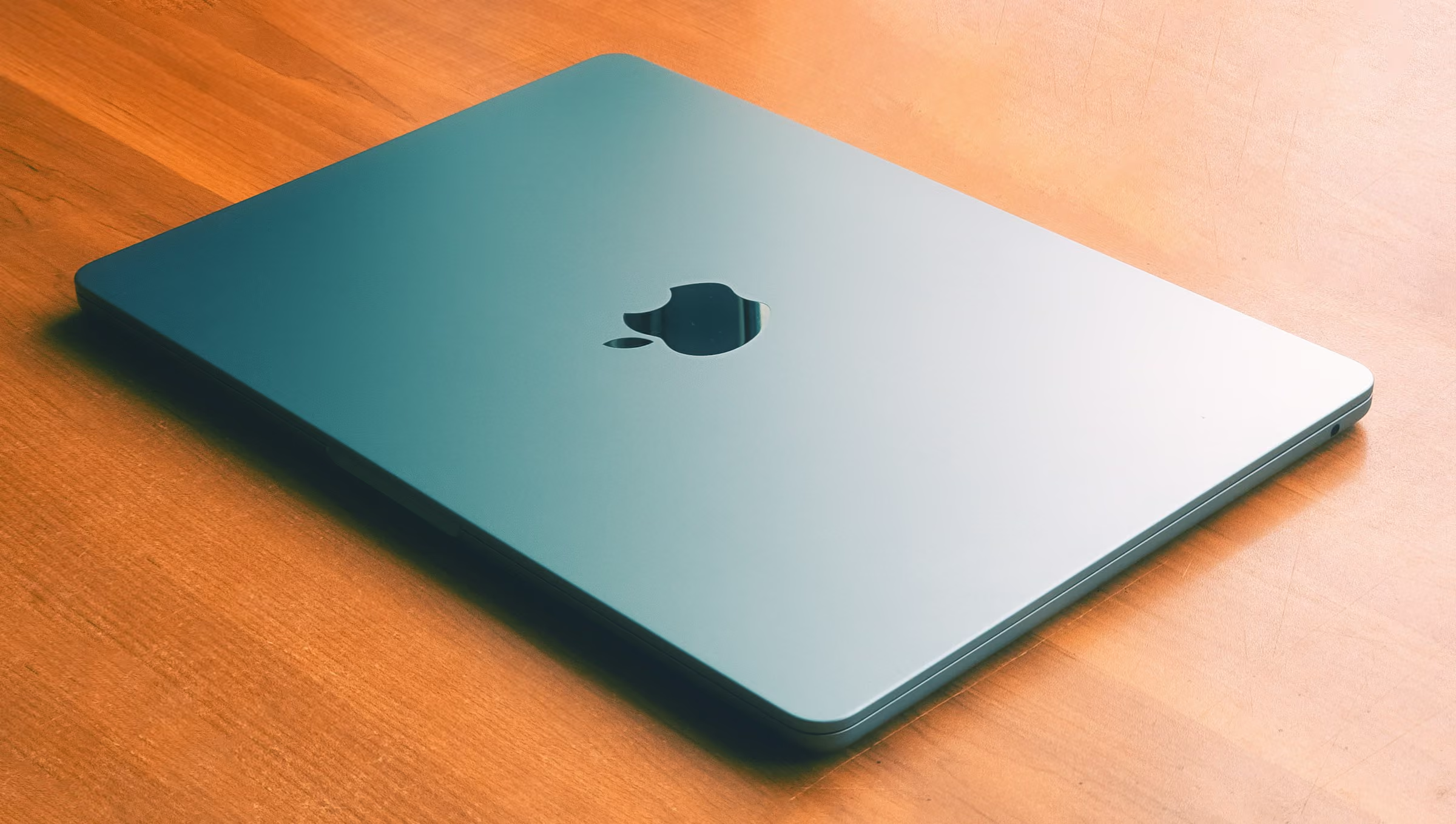
Can the fanless M5 MacBook Air handle heavy AI workloads?
The MacBook Air is popular because of its long battery life, silent operation, and sleek design. But how much does that packaging cost you in terms of running local LLMs?
Photo by Yudhajit Ghosh on Unsplash.
Here is a thing that happens to everyone who runs a model locally for the first time. You read a benchmark, you buy the machine, you load the weights, and the first few requests are gorgeous. Then you point an agent at a real repository, walk away to get coffee, and come back to something noticeably worse.
You didn't do anything wrong. Neither did the benchmark. It just stopped watching too early.
Every benchmark I've published in this series, including the fifty-four runs comparing MLX against Ollama, reports a median of three repetitions. That's the right summary for a quantity that holds still.
On a laptop with no fan it doesn't hold still — and a median is the statistic that hides it.
Three repetitions finish inside the first ninety seconds. On this machine that whole window sits above the rate it can hold. So I rebuilt the harness to report throughput over time instead of a single number, and ran it for ten minutes a cell.
M5 MacBook Air AI performance: plan on 70 to 75 percent of the benchmark
That's the boring conclusion. The more interesting one is what sits underneath the cliff. There's a class of work that finishes before the machine ever settles, and another that idles long enough between requests to shed the heat it made, and neither of those is redlining anything. I expect the good fanless use cases to come from that shape rather than from anyone squeezing a batch job onto a laptop.
If you're going to run it anyway, and I do, here is how to get the most out of the hardware.
- Budget on 70 to 75 percent of any published cold number. Two models of different sizes and architectures, both phases of inference, and both power sources all landed between 69 and 77 percent.
- You are off the cold rate before a three-run benchmark finishes. Every cell dropped below 95 percent of its opening bucket within 30 to 60 seconds.
- It settles, it does not spiral. The decline finishes at roughly 150 seconds and then holds flat for the rest of the run, so there is a steady state you can plan against.
- Waiting for the first token gets worse faster than tokens per second does. A 4,096 token prompt went from 3.74 to 5.10 seconds on the 30B, and from 11.1 to 14.4 seconds on the dense 14B.
- Unplugging made it faster. Mains was 7 to 12 percent slower than battery on every sustained figure, and the two are indistinguishable while the machine is still cold.
- Continuous inference costs about a quarter of the battery per hour, so a full charge is worth roughly three and a half hours of it.
Qwen3 tokens per second on the M5 MacBook Air, cold against sustained
Six cells, 487 individual measurements, zero failures. Retention is the last thirty-second bucket divided by the first, so a machine that holds its rate reports 100 percent.
Sustained throughput on a fanless M5 MacBook Air
Prompt processing
tokens per second, 4,096 token prompt, higher is better
Token generation
tokens per second, 256 generated tokens, higher is better
| Cell | Cold | Sustained | Retention |
|---|---|---|---|
| Qwen3-14B 4-bit, battery | 355 | 274 | 77.2% |
| Qwen3-14B 4-bit, mains | 359 | 254 | 70.7% |
| Qwen3-30B-A3B 4-bit, battery | 1063 | 788 | 74.1% |
| Qwen3-30B-A3B 4-bit, mains | 1040 | 725 | 69.7% |
| Cell | Cold | Sustained | Retention |
|---|---|---|---|
| Qwen3-30B-A3B 4-bit, battery | 57 | 44 | 76.9% |
| Qwen3-30B-A3B 4-bit, mains | 57 | 39 | 68.6% |
All figures are tokens per second. Prefill is prompt processing, measured at a 4,096 token prompt. Decode is token generation, measured at a 512 token prompt and 256 generated tokens.
The interesting part isn't the size of the drop. It's the consistency. Two models of different sizes and architectures, both phases of inference, both power sources, all land between 69 and 77 percent. That's a property of the chassis rather than of any model — so you can apply it to a number somebody else published.
Time to first token on the M5 MacBook Air rises 30 to 41 percent
Nobody experiences tokens per second. What you feel is the gap between hitting enter and seeing the first word, so the harness records that per bucket too.
Time to first token on a fanless M5 MacBook Air
4,096 token prompt
seconds to first token, lower is better
512 token prompt
seconds to first token, lower is better
| Cell | Cold | Sustained | Longer by |
|---|---|---|---|
| Qwen3-30B-A3B, battery | 3.74s | 5.10s | 36% |
| Qwen3-30B-A3B, mains | 3.87s | 5.47s | 41% |
| Qwen3-14B, battery | 11.10s | 14.40s | 30% |
| Qwen3-14B, mains | 11.00s | 15.50s | 41% |
| Cell | Cold | Sustained | Longer by |
|---|---|---|---|
| Qwen3-30B-A3B, battery | 0.68s | 0.93s | 38% |
Two things fall out of that. The percentages are bigger than the throughput percentages, because latency is the reciprocal of a rate and a 25 percent drop in rate is a 33 percent rise in wait.
And the dense 14B is three times slower in absolute terms despite being less than half the size. That's the mixture-of-experts architecture doing its job. The 30B activates about 3B parameters per token. The 14B activates all fourteen, so the smaller model does more arithmetic per token than the bigger one.
The same decline shows up in the plainest unit there is — how much work finishes. In the first minute of the 30B run on battery the machine completed 15 requests against 4,096 token prompts. In the last minute it completed 11.
M5 MacBook Air thermal throttling settles after about 150 seconds
This matters more than the headline number, because it changes what you do about it. The machine isn't degrading without limit. It finds a rate it can hold, and then it holds it.
A runner who opens a marathon at sprint pace isn't cheating and isn't broken. They're going to settle into the pace the body can hold. The only mistake available is timing them over the first two hundred meters and calling that the marathon time.
Throughput across a ten-minute run, battery against mains
Prompt processing
tokens per second, higher is better
Token generation
tokens per second, higher is better
| Elapsed seconds | On battery | On mains |
|---|---|---|
| 0 | 1063 | 1040 |
| 30 | 996 | 990 |
| 60 | 983 | 945 |
| 90 | 928 | 886 |
| 120 | 872 | 757 |
| 150 | 790 | 721 |
| 180 | 769 | 716 |
| 210 | 787 | 708 |
| 240 | 774 | 705 |
| 270 | 791 | 705 |
| 300 | 807 | 729 |
| 330 | 782 | 707 |
| 360 | 808 | 733 |
| 390 | 805 | 733 |
| 420 | 798 | 723 |
| 450 | 806 | 728 |
| 480 | 794 | 739 |
| 510 | 779 | 739 |
| 540 | 802 | 722 |
| 570 | 788 | 725 |
| Elapsed seconds | On battery | On mains |
|---|---|---|
| 0 | 57 | 57 |
| 30 | 54 | 54 |
| 60 | 52 | 49 |
| 90 | 45 | 41 |
| 120 | 43 | 36 |
| 150 | 40 | 35 |
| 180 | 41 | 36 |
| 210 | 42 | 37 |
| 240 | 42 | 38 |
| 270 | 42 | 38 |
| 300 | 43 | 39 |
| 330 | 44 | 38 |
| 360 | 44 | 38 |
| 390 | 44 | 38 |
| 420 | 43 | 39 |
| 450 | 44 | 39 |
| 480 | 43 | 39 |
| 510 | 43 | 39 |
| 540 | 44 | 39 |
| 570 | 44 | 39 |
| 600 | 44 | not recorded |
Both curves hit their floor at about 150 seconds and stay there for the remaining seven and a half minutes. Decode even recovers a little, from a trough of 40.0 to 44.1 in the final bucket.
The control model throttles in two distinct stages: a settle in the first thirty seconds, a plateau near 330 tokens per second for two and a half minutes, a second step down at around 180 seconds, and then flat at 274 for the rest of the run. A benchmark that stops at ninety seconds sees only the first stage, and publishes the plateau as though it were the answer.
Thermal throttling, not memory pressure, on a 32GB M5 MacBook Air
This is the first objection any competent engineer raises, and it's the right one. A 30B model at 4-bit is roughly 16GB on a 32GB machine. Any slowdown might be the system paging rather than the chip getting hot — and if it were, everything above would be a story about memory wearing a thermal costume.
That objection is why the 14B model is measured at all.
Qwen3-14B at 4-bit is 8.3GB. It's dense rather than sparse, so it does more arithmetic per token than the mixture-of-experts model and generates more heat, not less. Across all twenty of its buckets, swap didn't move by a single megabyte and free memory never fell below 54 percent.
It lost 23 percent anyway. The decline is thermal.
Memory pressure is a real effect and it's a different one. It changes the level rather than the slope. An earlier run with 9GB of swap in use opened at 1,035 tokens per second against 1,131 on the clean machine, about 9 percent lower, and then declined at the same rate. Both are true, and they're worth keeping apart when you're working out why your own machine is slow.
Heat is the enemy: the M5 MacBook Air ran slower plugged in than on battery
Mains power was slower than battery in every single cell, by 7 to 12 percent on the sustained figure.
Cold, the two are indistinguishable. The 14B opens at 355.4 on battery and 359.3 on mains, and the curves track each other within a couple of percent for the first three and a half minutes. Then the battery run flattens at 275 and the mains run keeps sliding to 254.
They start together and diverge only as heat accumulates. That points at the charging circuitry putting heat into a chassis with no fan to get it out. It's the mechanism I'd guess at, and I want to be clear that it's a guess. What's measured is the divergence. The cause is not.
The conditions are worth being precise about, because an earlier attempt at this comparison was ruined by them. The mains run started with the battery at 99 percent, reporting finishing charge with zero minutes remaining, after the machine had sat idle for about thirty-four minutes. So this isn't a battery being charged from empty. It's a full battery on a cold machine.
Local LLM response times on the M5 MacBook Air run about a third longer
Total time for a request is the prompt divided by the prefill rate plus the output divided by the decode rate. So the honest way to express the gap is to price a few real tasks at both rates. These use the 30B on battery, the best case measured.
What one request costs at cold and sustained rates
One request, end to end
seconds, lower is better
| Cell | Cold | Sustained | Longer by |
|---|---|---|---|
| Agentic coding edit | 12.8s | 16.9s | 33% |
| Summarize a long document | 23.8s | 31.6s | 33% |
| Chat turn | 14.4s | 18.8s | 30% |
| Short question | 2.9s | 3.8s | 30% |
The penalty is close to uniform at about a third, because both phases throttle by similar proportions. That's a convenient result. Take a published cold benchmark for this machine, add a third, and you'll be close.
MacBook Air battery life running a local LLM: about three and a half hours
The harness samples charge level per bucket, so the battery cells answer this for free. The ten-minute prompt processing run took the machine from 95 to 91 percent. The token generation run that followed took it from 91 to 86.
That's 24 to 30 percentage points an hour, so a full charge buys somewhere around three and a half hours of back-to-back inference. Treat it as an extrapolation from ten-minute cells rather than a measured discharge — the last twenty percent of a battery doesn't behave like the first. It's still the right order of magnitude for deciding whether you can do this on a plane.
How to work around thermal throttling on a fanless Mac
The honest headline is the one you already suspected. A fanless laptop is the wrong machine for serious sustained AI work, and nothing measured here rescues it. What the numbers add is the where and the why: the cliff arrives inside the first minute, it bottoms out at about 150 seconds, and it costs you a third of your throughput and a quarter of your battery an hour.
- Size batch jobs on the sustained rate, not the cold one. Anything running longer than about three minutes spends nearly all of its life in the flat part of the curve, so the sustained figure is the one to divide by. Estimate a two-hour job from a three-repetition benchmark and you'll be about a third short.
- Interactive use never gets there. A chat turn is a few seconds of load followed by however long you spend reading, and the machine sheds heat in the gap. Duty cycle is why the same model feels fine in a chat window and disappointing in an agent loop — real enough that this harness had to move prompt construction outside the timed loop to stop the cooling gaps inflating its own results.
- Unplug for long runs. Counter-intuitive, free, and worth 7 to 12 percent on this chassis. It costs about a quarter of the battery an hour to take.
- Do not use the thermal pressure counter as your trigger. On the 14B cells it still read nominal 90 seconds in, by which point throughput was already down 7 percent. It tells you the system has decided to shed performance, not how much and not when it started. Throughput is the measurement. The counter is corroboration.
- If sustained throughput is the job, buy a fan. Everything on this page is a property of a chassis with no way to move heat out of it. The hardware comparison in Part 2 is where that decision gets made, and a laptop is the wrong end of it for these kinds of workloads.
Run this MLX benchmark on your own Mac
Your chassis isn't this chassis, and the whole point of publishing the harness is that you don't have to take my retention figure for yours. It needs mlx-lm and nothing else.
$ uv pip install --python .venv/bin/python -r requirements.txt
$ .venv/bin/python bench-thermal.py --verify-cache
$ .venv/bin/python bench-thermal.py --smoke
$ .venv/bin/python bench-thermal.py --duration 600
Run the two short commands before the long one. The first sends the same prompt twice and then a fresh one, then prints whether the engine cached the prefix and whether the nonce defeated it. On this machine it reports no cache to defeat. That's the finding that lets everything else stand. The second pulls a 0.6B model and runs for sixty seconds, proving the plumbing without spending ten minutes to discover a model key was wrong.
The harness refuses to start in Low Power Mode, because that caps performance and would be recorded as thermal throttling. It cools to nominal, runs a discarded warmup so kernel compilation is paid before the clock starts, cools again, and only then measures. Every raw result behind this page is in the gist.
How to benchmark thermal throttling on Apple silicon
MacBook Air with an M5 and 32GB, macOS 26.6.2, Python 3.14.7, mlx 0.32.2 and mlx-lm 0.31.3. Ten minutes per cell, thirty second buckets, median within each bucket.
Four things had to be controlled, and every one of them would have quietly invalidated the run.
Prompts are built before the clock starts. Constructing a 4,096 token prompt means tokenizing repeatedly to hit the target, which takes long enough for a fanless machine to shed heat between iterations. Doing that inside the loop would measure a duty cycle rather than sustained load, so a pool of sixteen prompts is built up front and the loop only generates.
Kernel compilation is paid before the clock starts. The first call into MLX compiles, and that looks like a cold machine running fast and then settling. Measured on this machine it is worth 1.5 times, so the sequence is cool, one discarded warmup, cool again, then measure.
Every prompt carries a nonce. Prompt caching is what produced the 474 times fiction documented in the previous article, and a cached prefill would fabricate these numbers outright. MLX turns out to have no cache to defeat, which was verified three times on this machine before anything else was trusted.
Swap and free memory are recorded per bucket. Without that the memory question above could not be answered, and a decline caused by paging would have been published as a decline caused by heat.
One defect worth disclosing, since the raw files are published. The charging field in the two battery result files reads true and is wrong, because the detector tested for a substring that also appears inside the word discharging. It's metadata, no measurement depends on it, and it's fixed in the harness. The data files are left as they were produced rather than edited after the fact.
What this M5 benchmark does not measure: Mac Studio, M4, and active cooling
Apple published its own MLX figures for the M5, reporting prompt processing 3.33 to 4.06 times faster than the M4 and generation 1.19 to 1.27 times faster, measured on a MacBook Pro at a 4,096 token prompt. Nothing on this page tests that. Apple compared two chip generations. This compares one chip against itself over ten minutes. The two are complementary, and it would be wrong to read either as contradicting the other.
Nor does this page say anything about an actively cooled machine. A Mac Studio has a fan and I'd expect it to hold close to 100 percent. But expecting isn't measuring, and if it turned out to sag under sustained load that would be a larger finding than anything here.
For the same reason I've deliberately not compared these numbers against the M1 Ultra figures in the MLX and Ollama article. Those are medians of three runs, and this page has just shown that overstates sustained throughput by about 20 percent on a machine like this one. Putting a sustained figure next to a burst figure and calling the difference a generational comparison would be the error this whole series exists to document, pointed at my own data.
Join the Local AI Group
Scaling localized AI workloads in enterprise and hyper-growth environments requires solving highly complex infrastructure, secure networking, and hardware optimization challenges at scale.
The Local AI Group is the premier global technical network designed exclusively for active senior engineering leaders, including Chief Technology Officers, VPs of Engineering, and Directors of Engineering at Fortune 500 companies and top-tier startups. Our invitation-only space connects leaders scaling production-grade local AI systems. We bypass commercial marketing hype to focus strictly on hardware topologies, private LLM clusters, enterprise security frameworks, and custom sandboxing alongside elite peers operating at the absolute top of the global technology sector.
Roundtable focus areas
- Direct exchange on physical cluster topologies, high-throughput GPU clusters, and enterprise server architecture
- Vetted blueprints for thermodynamic profiles, process orchestration, and private model deployment pipelines
- Hardened boundary defense frameworks for satisfying SOC 2, ISO 27001, and GDPR perimeters with repatriated infrastructure
I vet each application myself to ensure a high-signal environment of peer practitioners.
Apply to Join the Slack GroupSharing confidential or proprietary information is strictly forbidden. Participation is subject to the Terms of Use.
Frequently asked questions about local AI on the M5 MacBook Air
Does the M5 MacBook Air throttle when running local LLMs?
Yes, and it settles rather than collapsing. On an M5 MacBook Air with 32GB, sustained prompt processing fell to between 69 and 77 percent of its cold rate across six ten-minute runs. Every run was already below 95 percent of its cold rate within the first 30 to 60 seconds, the decline finishes at about 150 seconds, and the rate then holds flat for the remaining eight minutes rather than degrading without limit.
How much slower is a MacBook Air after ten minutes of AI load?
On a fanless M5 MacBook Air, about 23 to 31 percent slower than the first thirty seconds. A dense Qwen3-14B model at 4-bit went from 355 to 274 tokens per second of prompt processing on battery. A Qwen3-30B-A3B mixture-of-experts model went from 1,063 to 788. Token generation fell from 57.4 to 44.1 tokens per second over the same period.
How much does thermal throttling add to time to first token on a Mac?
Between 30 and 41 percent, measured on an M5 MacBook Air across six ten-minute runs. A 4,096 token prompt sent to a Qwen3-30B-A3B mixture-of-experts model returned its first token in 3.74 seconds cold and 5.10 seconds after ten minutes of continuous load. The same prompt sent to a dense Qwen3-14B model went from 11.1 seconds to 14.4 seconds. Time to first token degrades by a larger percentage than tokens per second does, because latency is the reciprocal of a rate.
How long does an M5 MacBook Air battery last running a local LLM?
Roughly three to four hours of continuous inference. On an M5 MacBook Air with 32GB, a ten-minute sustained prompt processing run took the battery from 95 to 91 percent, and the ten-minute token generation run that followed took it from 91 to 86 percent. That is 24 to 30 percentage points per hour, extrapolated from ten-minute cells rather than measured as a full discharge.
Does running on battery slow down local AI inference on a Mac?
No. On an M5 MacBook Air the opposite happened: mains power was 7 to 12 percent slower than battery under sustained load. Cold, the two are within 1 percent of each other. They diverge only as heat accumulates, which points at the charging circuitry adding heat to a chassis that has no fan to remove it. This was measured with the battery at 99 to 100 percent and not actively charging.
Is 32GB enough to run a 30B model on an M5 MacBook Air?
Yes. A Qwen3-30B-A3B mixture-of-experts model at 4-bit occupies roughly 16GB and ran on a 32GB M5 MacBook Air with free memory holding at 29 to 31 percent and no swapping during the measured runs. Memory pressure is a separate problem from thermal throttling: a run with 9GB of swap in use started about 9 percent slower but declined over time at the same rate.
Why do local LLM benchmark numbers not match what I actually get?
Because most benchmarks report a median of three runs, and three runs finish inside the first ninety seconds. On a fanless machine that window sits above the sustained rate. A three-repetition benchmark of a 14B model on an M5 MacBook Air would report roughly 330 tokens per second where the machine sustains 274, overstating it by 20 percent.
How do you measure thermal throttling on a Mac?
Run one workload continuously for a fixed duration and report the median inside each time bucket rather than a single median across the whole run. Record thermal pressure from com.apple.system.thermalpressurelevel alongside it, but treat throughput as the measurement and the pressure level as corroboration, because the operating system signal lags: on an M5 MacBook Air it still read nominal 90 seconds into a run where throughput had already dropped 7 percent.
Building a Mac cluster for local AI
This article is part of an in-depth technical series detailing the creation of a localized Apple silicon server cluster for enterprise AI inference, covering Mac mini and Mac Studio hardware, local agent hosting, and agentic coding.
How we built an M4 Mac mini cluster to cut AI cloud spend by $40k/year
The business case and localized architecture that cut enterprise Google Cloud spend by $40,000 annually.
Local AI use cases: local vs. cloud AI architecture
The enterprise decision matrix mapping air-gapped compliance, agentic coding, robotics, batch execution, and offline operations to local Apple silicon or cloud APIs, plus the hybrid local-first framework.
M5 Ultra vs. M5 Pro vs. M6 for local AI
Whether to buy one 512GB M5 Ultra Mac Studio, one M5 Pro Mac mini, or a swarm of 2nm M6 Mac minis, with the memory bandwidth math that decides it.
How to build an M6 or M5 Pro Mac mini cluster
Step-by-step setup guide covering hardware configuration, base macOS setup, secure remote access, process management, and cloud fallbacks.
Run Qwen 3.8 on Apple silicon, without rate limits
Running Qwen3.8-27B locally with Ollama and Zoo Code, plus the Mac mini and Mac Studio memory bandwidth numbers that decide whether local agentic coding is usable.
Best local LLMs for agentic coding on Apple silicon
Qwen 3.8, Qwen3-Coder, Gemma 4, DeepSeek V4 Flash, and GLM-5.3 compared for agentic coding, with the memory math that matches each model to the Mac that runs it.
Local AI agent hosting on M6 and M5 Pro Mac minis
Configuring a secure, low-power private AI appliance for always-on autonomous agent workflows.
Local AI Security: ISO 27001:2022, SOC 2 & GDPR Compliance
Architecting a hardened physical perimeter to satisfy rigorous enterprise ISO 27001:2022 and SOC 2 audits, plus the GDPR case for keeping inference in-house.
MLX vs Ollama on Apple silicon, measured
Fifty-four benchmark runs on the same weights and matched quantization, showing where each engine wins and why the answer changes with the model.
What a fanless Mac sustains under load
Six ten-minute runs on an M5 MacBook Air measuring what throughput actually holds, why a median of three overstates it, and why mains power turned out slower than battery.
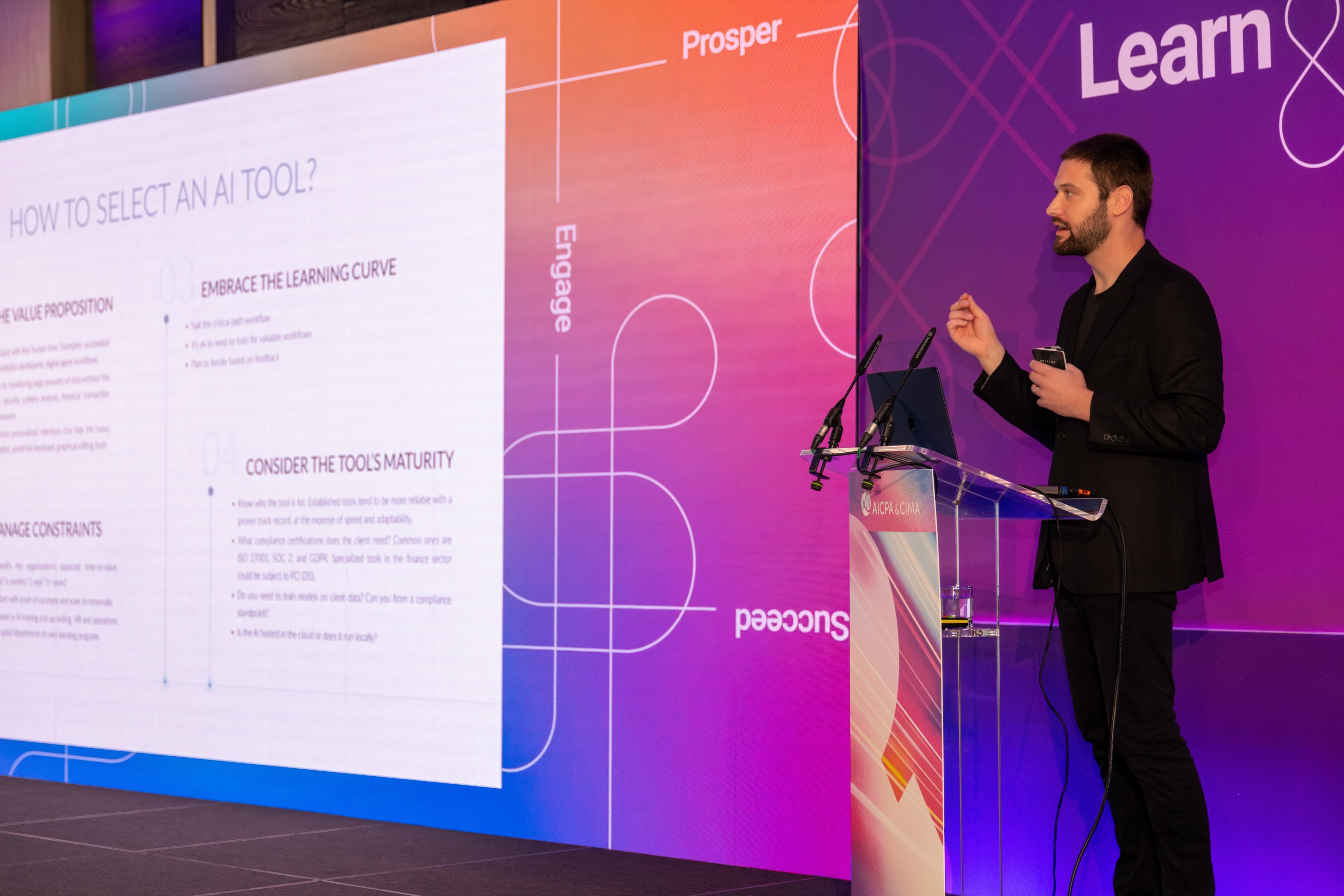
Measuring the right thing is the hard part
A number that's wrong in a way nobody notices is worse than no number at all. That's true of a laptop benchmark, and it's true of every AI pilot that reported a win nobody could reproduce. If you're the one who gets handed those numbers, the workshop spends a day on how to check them.